
Guides
Deponia beginner guides — point-and-click controls, the middle-mouse hint system, inventory combos, dialogue tips, and how to play Daedalic's classic adventure.
Introduction
The Guides hub is the first stop for every new Deponia player, whether you just claimed the game for free on Steam or you are returning to the junkyard for another run. Here you will find everything needed to actually play a classic point-and-click adventure: the exact controls, how the inventory and dialogue systems work, and how to use the built-in hint system that highlights interactive hotspots when you feel stuck. We also break down the bizarre post-game Droggeljug mode, explain how to save and manage your playthrough, and list the system requirements so you know the game runs on almost any machine. Every guide is written around what new players actually search for, with clear headings, practical tips and current information.
Essential Starter Guides
| Guide | Focus | Recommended |
|---|---|---|
| Controls & Interface | Mouse controls, inventory, dialogue | All players |
| Hint System | Middle-mouse hotspots, skip timer | Beginners |
| Inventory & Items | Combining items, using objects | All players |
| Droggeljug Mode | Post-game joke replay mode | Returning players |
| Save & Settings | Save slots, options, languages | All players |
Guide Topics
Controls & Interface
The complete Deponia control scheme explained in one place — left-click to interact, right-click to examine, middle-mouse to reveal hotspots, and how the inventory and dialogue windows work. Keep this guide handy whenever you sit down for a new playthrough, and revisit it when a mechanic stops making sense.
Hint System
How the built-in hint system works — the middle-mouse hotspot highlighter, the in-game hint text, and the skip timer that solves any puzzle after a few minutes so you are never permanently stuck. Keep this guide handy whenever you sit down for a new playthrough, and revisit it when a mechanic stops making sense.
Inventory & Items
A practical guide to the inventory system — how to pick up objects, combine items into new tools, and use them on the right hotspots to solve puzzles. Keep this guide handy whenever you sit down for a new playthrough, and revisit it when a mechanic stops making sense.
Droggeljug Mode
Everything about the legendary Droggeljug mode — how it unlocks, what it changes, and why the voice cast's re-recorded lines make it one of the most beloved jokes in adventure gaming. Keep this guide handy whenever you sit down for a new playthrough, and revisit it when a mechanic stops making sense.
Save & Settings
How saving works in Deponia, including the manual save slots, autosave behavior, and the settings you should tweak for the best experience on your platform. Keep this guide handy whenever you sit down for a new playthrough, and revisit it when a mechanic stops making sense.
Core Mechanics
Deponia is a traditional point-and-click adventure in the style of the classic LucasArts and Sierra games. You control Rufus by moving a mouse cursor around hand-painted scenes, left-clicking to interact with objects and talk to characters, and right-clicking to examine everything you see. The inventory lives at the bottom of the screen and lets you combine items into new tools, then use them on hotspots in the world. When you are stuck, holding the middle mouse button highlights every interactive object in the current scene, and after a few minutes the game offers a skip button that solves the current puzzle automatically. This combination of classic interaction, generous hinting and a built-in skip system makes Deponia welcoming even for players who have never touched a point-and-click game.
Advantages
A solid guides hub saves new players hours of confusion in a genre that can feel opaque at first. Point-and-click games have their own unwritten rules — examining everything, combining inventory items, and talking to everyone — and having accurate step-by-step documentation about the controls, the hint system, and how saving works dramatically reduces frustration. The hub also centralizes the game's most-searched topics, including how the Droggeljug mode unlocks, which languages are supported, and whether the game runs on Steam Deck, so players can find answers in one place instead of digging through forums. Because Deponia is a beloved classic with a huge community, the guides here are continuously refined with tested, accurate information.
Challenges
Writing truly accurate guides for a twelve-year-old game carries its own challenges. Different editions of Deponia — the individual Steam releases, the Complete Journey bundle, and the console ports — have slightly different menus and options, so a tip that applies to one version may not match another. The game also supports multiple languages, and some interface labels are translated inconsistently between editions. Players should treat these guides as strong starting points and verify details against their own build of the game, especially for platform-specific questions like controller support on Switch or touch controls on iOS. If something in a guide does not match what you see on screen, it is usually an edition difference rather than an error.
Frequently Asked Questions
How do the controls work in Deponia?+
What is Droggeljug mode and how do I unlock it?+
Can I play Deponia on a low-end PC or Steam Deck?+
Quick Tips
Examine everything you see. In Deponia, right-clicking an object almost always gives a witty description that doubles as a puzzle hint, and some puzzles are effectively solved just by reading every item description in the scene. This one habit is the single biggest improvement for new players. Building these small habits early makes the whole trilogy far more enjoyable and much easier to finish without frustration.
Hold the middle mouse button when you feel stuck. The hotspot highlighter reveals every interactive object in the current scene, which is often all you need to notice the one detail you missed. If you still cannot progress, wait a few minutes and the game will offer to skip the puzzle entirely.
Talk to every character and exhaust every dialogue option. Deponia hides clues, jokes and occasionally essential items behind dialogue, and re-talking to characters after a puzzle changes their responses. The game rewards thoroughness, so click every character until their dialogue starts repeating. Building these small habits early makes the whole trilogy far more enjoyable and much easier to finish without frustration.
Featured
Deponia Beginner Guide: Left-Click, Right-Click, Item Combos
Master the Deponia beginner guide: left-click to talk, right-click to examine, and combine items. Learn the 2012 classic's controls and start solving puzzles.

Deponia Gameplay: Hints, Reviews, and Is It Good in 2026
Explore Deponia's hand-drawn gameplay loop, puzzle difficulty, and hint system. See why critics gave it 74/100 and whether it still holds up today.
Deponia Length: Tips, Tricks, and Secrets for Faster Runs
Short on time? Learn Deponia's typical 8-12 hour length plus tips to speed up puzzles, uncover secrets, and find hidden dialogue for a smoother playthrough.
All Articles

Deponia on Switch: Release Date and Performance Compared
Compare Deponia on Switch, PS4, Xbox One, and iOS. Learn release dates, performance differences, and which platform offers the best handheld experience.
Deponia Point and Click: Controls, Hints, and Items
Understand Deponia's point and click gameplay: use inventory items, combine them on objects, and rely on the hint system to progress through the trash planet.

Deponia Worth It? 74/100 Metacritic Score and Steam Perks
Is Deponia worth it? Weigh the 74/100 Metacritic score against Steam Cloud, trading cards, achievements, and Deck support to decide in 2026.
Deponia Droggeljug Mode: Review and System Requirements
Discover Deponia's droggeljug mode, a quirky extra for fans. This guide also breaks down the 74/100 Metacritic score and the minimum PC specs needed to run it.
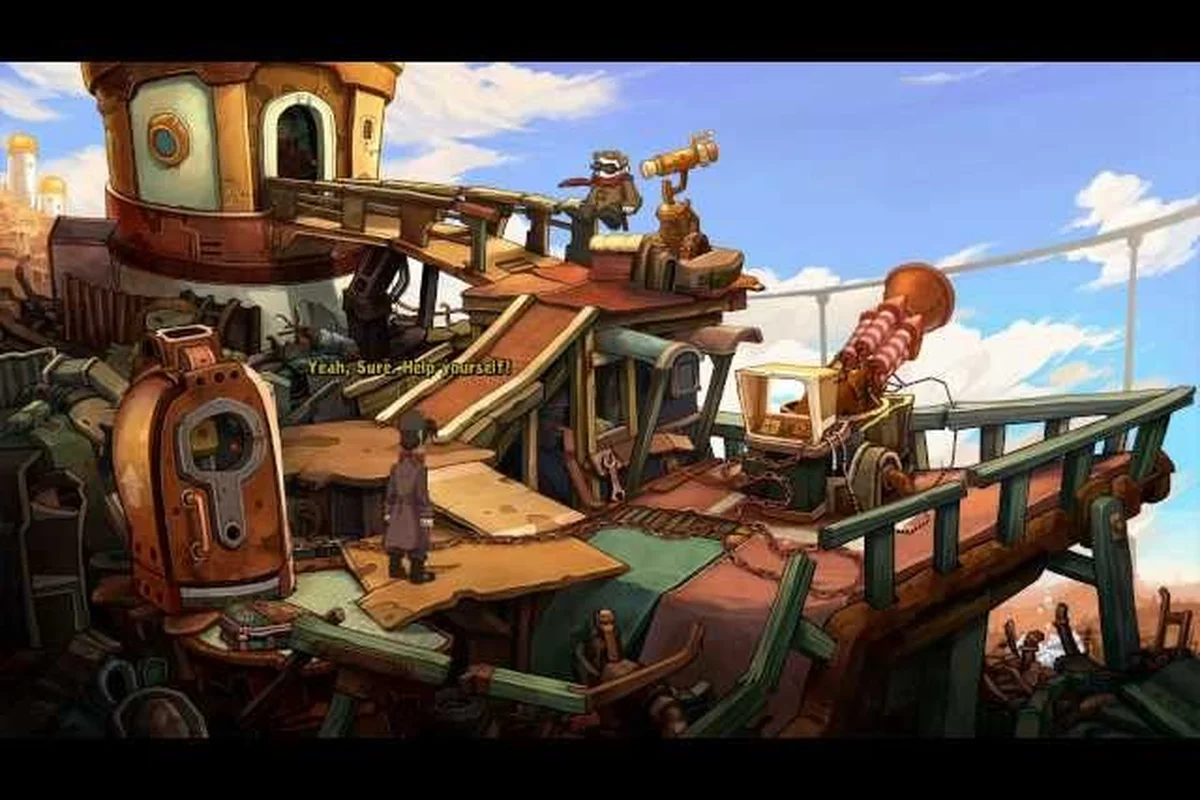
Deponia for Linux: Steam Deck, Save Files, and Voice Cast
Run Deponia smoothly on Linux and Steam Deck. Learn about save file locations, cloud saves, achievements, and the full English and German voice cast.
Deponia Playtime Guide: How Long to Beat and 100% Run
How long is Deponia? Expect 8-12 hours for the main story, up to 20 for 100%, and 40+ across the Complete Journey trilogy. Plan your playthrough.
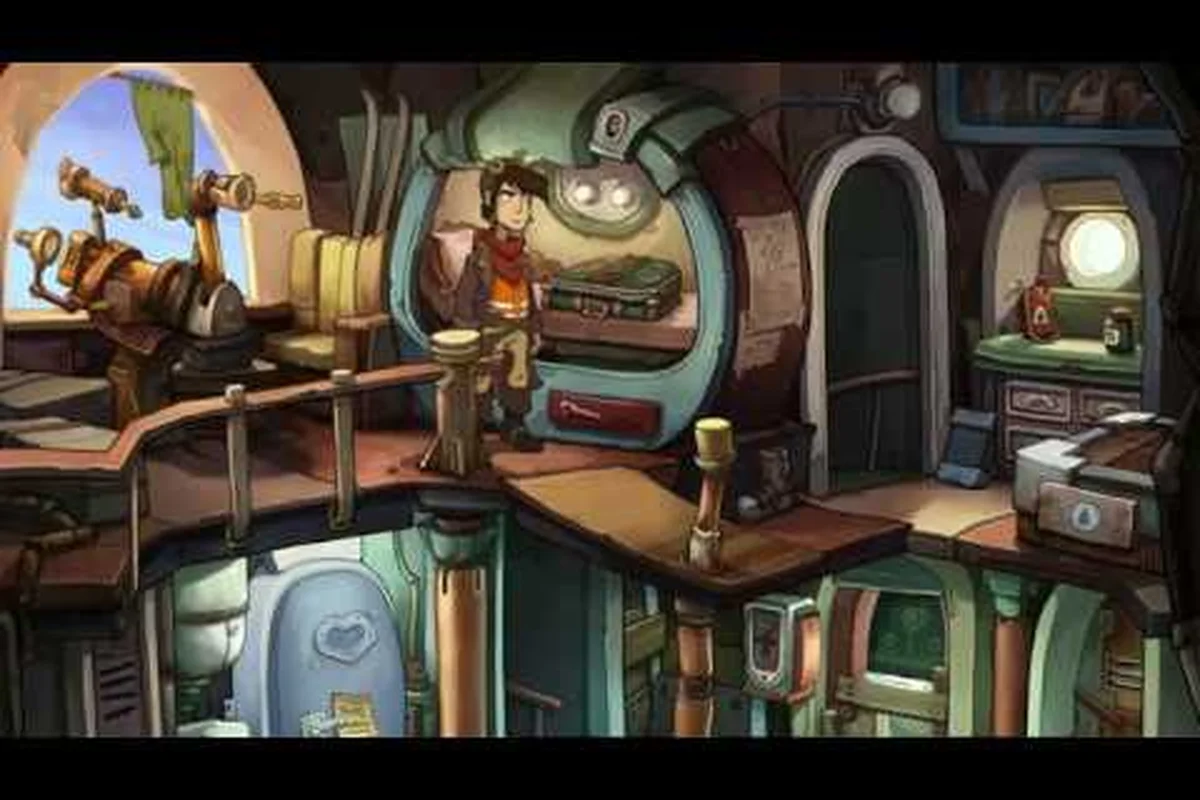
Deponia Languages: 16 Options, German Voice, Difficulty
Deponia supports 16 interface languages including German and Russian. Discover voice-over availability, fixed difficulty, and skippable puzzles in this guide.